").attr(n.scriptAttrs||{}).prop({charset:n.scriptCharset,src:n.url}).on("load error",i=function(e){r.remove(),i=null,e&&t("error"===e.type?404:200,e.type)}),C.head.appendChild(r[0])},abort:function(){i&&i()}}});var Jt,Kt=[],Zt=/(=)\?(?=&|$)|\?\?/;ce.ajaxSetup({jsonp:"callback",jsonpCallback:function(){var e=Kt.pop()||ce.expando+"_"+jt.guid++;return this[e]=!0,e}}),ce.ajaxPrefilter("json jsonp",function(e,t,n){var r,i,o,a=!1!==e.jsonp&&(Zt.test(e.url)?"url":"string"==typeof e.data&&0===(e.contentType||"").indexOf("application/x-www-form-urlencoded")&&Zt.test(e.data)&&"data");if(a||"jsonp"===e.dataTypes[0])return r=e.jsonpCallback=v(e.jsonpCallback)?e.jsonpCallback():e.jsonpCallback,a?e[a]=e[a].replace(Zt,"$1"+r):!1!==e.jsonp&&(e.url+=(At.test(e.url)?"&":"?")+e.jsonp+"="+r),e.converters["script json"]=function(){return o||ce.error(r+" was not called"),o[0]},e.dataTypes[0]="json",i=ie[r],ie[r]=function(){o=arguments},n.always(function(){void 0===i?ce(ie).removeProp(r):ie[r]=i,e[r]&&(e.jsonpCallback=t.jsonpCallback,Kt.push(r)),o&&v(i)&&i(o[0]),o=i=void 0}),"script"}),le.createHTMLDocument=((Jt=C.implementation.createHTMLDocument("").body).innerHTML="
",2===Jt.childNodes.length),ce.parseHTML=function(e,t,n){return"string"!=typeof e?[]:("boolean"==typeof t&&(n=t,t=!1),t||(le.createHTMLDocument?((r=(t=C.implementation.createHTMLDocument("")).createElement("base")).href=C.location.href,t.head.appendChild(r)):t=C),o=!n&&[],(i=w.exec(e))?[t.createElement(i[1])]:(i=Ae([e],t,o),o&&o.length&&ce(o).remove(),ce.merge([],i.childNodes)));var r,i,o},ce.fn.load=function(e,t,n){var r,i,o,a=this,s=e.indexOf(" ");return-1").append(ce.parseHTML(e)).find(r):e)}).always(n&&function(e,t){a.each(function(){n.apply(this,o||[e.responseText,t,e])})}),this},ce.expr.pseudos.animated=function(t){return ce.grep(ce.timers,function(e){return t===e.elem}).length},ce.offset={setOffset:function(e,t,n){var r,i,o,a,s,u,l=ce.css(e,"position"),c=ce(e),f={};"static"===l&&(e.style.position="relative"),s=c.offset(),o=ce.css(e,"top"),u=ce.css(e,"left"),("absolute"===l||"fixed"===l)&&-1<(o+u).indexOf("auto")?(a=(r=c.position()).top,i=r.left):(a=parseFloat(o)||0,i=parseFloat(u)||0),v(t)&&(t=t.call(e,n,ce.extend({},s))),null!=t.top&&(f.top=t.top-s.top+a),null!=t.left&&(f.left=t.left-s.left+i),"using"in t?t.using.call(e,f):c.css(f)}},ce.fn.extend({offset:function(t){if(arguments.length)return void 0===t?this:this.each(function(e){ce.offset.setOffset(this,t,e)});var e,n,r=this[0];return r?r.getClientRects().length?(e=r.getBoundingClientRect(),n=r.ownerDocument.defaultView,{top:e.top+n.pageYOffset,left:e.left+n.pageXOffset}):{top:0,left:0}:void 0},position:function(){if(this[0]){var e,t,n,r=this[0],i={top:0,left:0};if("fixed"===ce.css(r,"position"))t=r.getBoundingClientRect();else{t=this.offset(),n=r.ownerDocument,e=r.offsetParent||n.documentElement;while(e&&(e===n.body||e===n.documentElement)&&"static"===ce.css(e,"position"))e=e.parentNode;e&&e!==r&&1===e.nodeType&&((i=ce(e).offset()).top+=ce.css(e,"borderTopWidth",!0),i.left+=ce.css(e,"borderLeftWidth",!0))}return{top:t.top-i.top-ce.css(r,"marginTop",!0),left:t.left-i.left-ce.css(r,"marginLeft",!0)}}},offsetParent:function(){return this.map(function(){var e=this.offsetParent;while(e&&"static"===ce.css(e,"position"))e=e.offsetParent;return e||J})}}),ce.each({scrollLeft:"pageXOffset",scrollTop:"pageYOffset"},function(t,i){var o="pageYOffset"===i;ce.fn[t]=function(e){return M(this,function(e,t,n){var r;if(y(e)?r=e:9===e.nodeType&&(r=e.defaultView),void 0===n)return r?r[i]:e[t];r?r.scrollTo(o?r.pageXOffset:n,o?n:r.pageYOffset):e[t]=n},t,e,arguments.length)}}),ce.each(["top","left"],function(e,n){ce.cssHooks[n]=Ye(le.pixelPosition,function(e,t){if(t)return t=Ge(e,n),_e.test(t)?ce(e).position()[n]+"px":t})}),ce.each({Height:"height",Width:"width"},function(a,s){ce.each({padding:"inner"+a,content:s,"":"outer"+a},function(r,o){ce.fn[o]=function(e,t){var n=arguments.length&&(r||"boolean"!=typeof e),i=r||(!0===e||!0===t?"margin":"border");return M(this,function(e,t,n){var r;return y(e)?0===o.indexOf("outer")?e["inner"+a]:e.document.documentElement["client"+a]:9===e.nodeType?(r=e.documentElement,Math.max(e.body["scroll"+a],r["scroll"+a],e.body["offset"+a],r["offset"+a],r["client"+a])):void 0===n?ce.css(e,t,i):ce.style(e,t,n,i)},s,n?e:void 0,n)}})}),ce.each(["ajaxStart","ajaxStop","ajaxComplete","ajaxError","ajaxSuccess","ajaxSend"],function(e,t){ce.fn[t]=function(e){return this.on(t,e)}}),ce.fn.extend({bind:function(e,t,n){return this.on(e,null,t,n)},unbind:function(e,t){return this.off(e,null,t)},delegate:function(e,t,n,r){return this.on(t,e,n,r)},undelegate:function(e,t,n){return 1===arguments.length?this.off(e,"**"):this.off(t,e||"**",n)},hover:function(e,t){return this.on("mouseenter",e).on("mouseleave",t||e)}}),ce.each("blur focus focusin focusout resize scroll click dblclick mousedown mouseup mousemove mouseover mouseout mouseenter mouseleave change select submit keydown keypress keyup contextmenu".split(" "),function(e,n){ce.fn[n]=function(e,t){return 0
AirPods Pro 2の音声不安定現象を改善する方法
ガジェット・レビュー
2024.05.262025.07.31
AirPods Pro 2の音声不安定現象を改善する方法
イントロダクション
AirPods Pro 2を使用中に、通話中の音声が不安定になることがあります。この問題は多くのユーザーが経験しており、原因は様々です。この記事では、AirPods Pro 2の音声不安定現象の原因と解決方法について詳しく解説します。また、iPhone側の設定や問題についても触れていきますので、ぜひ参考にしてください。
問題の原因
音声が不安定になる原因として考えられるのは以下の通りです:
Bluetooth接続の不具合 : 接続が不安定になると音声が途切れたり、雑音が入ることがあります。
ソフトウェアのバグ : iOSやAirPodsのファームウェアにバグがある場合、音声の不具合が発生することがあります。
周囲の電波干渉 : 他のBluetoothデバイスやWi-Fiルーターなどからの干渉。
AirPodsのハードウェア不良 : センサーやバッテリーなどのハードウェアに問題がある場合。
解決方法のステップバイステップガイド
ステップ1: 設定の確認
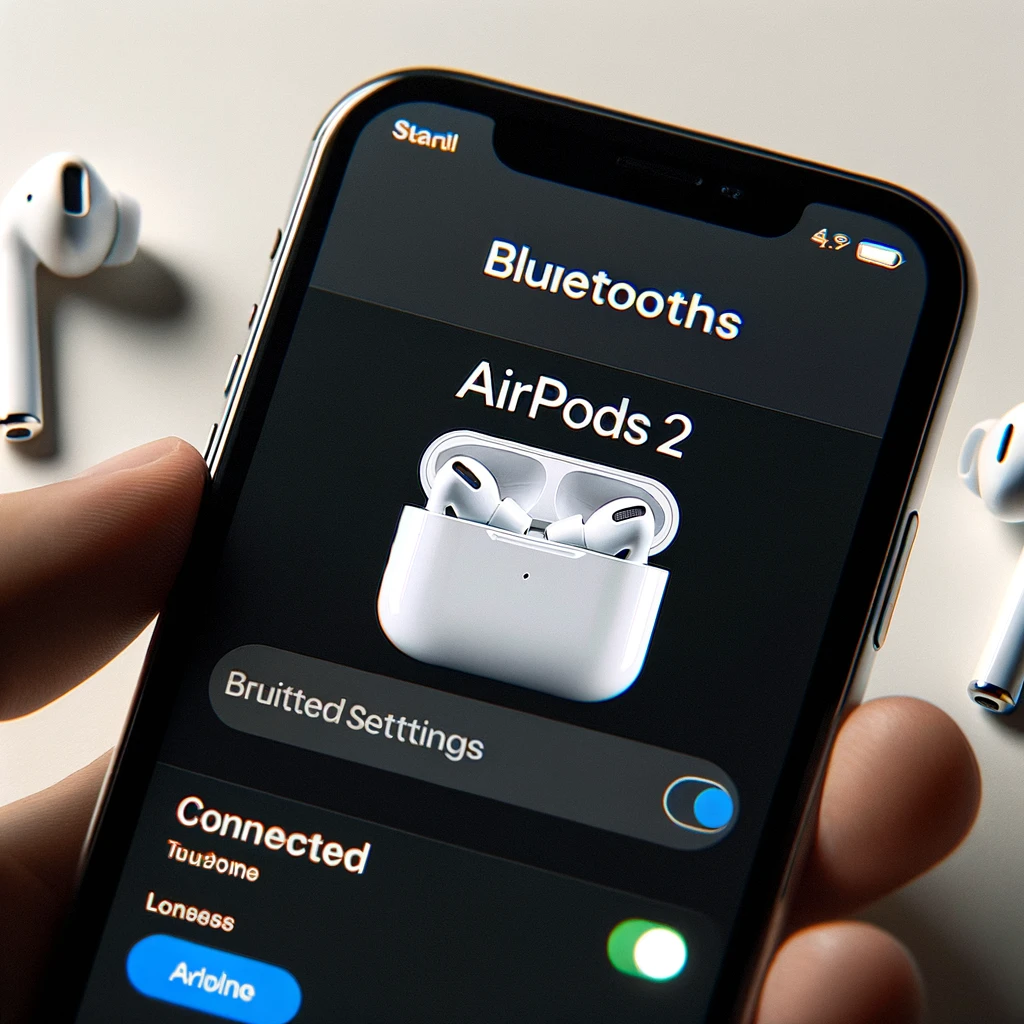
Bluetoothの確認: 設定アプリを開き、Bluetoothの画面を表示します。
画像を挿入: 設定アプリのBluetooth画面のスクリーンショットをここに挿入します。
説明: 「設定」アプリを開き、「Bluetooth」を選択します。AirPodsが正しく接続されているか確認します。
ステップ2: AirPodsの再接続
Bluetoothデバイスリストから削除: AirPodsをBluetoothリストから削除します。
画像を挿入: BluetoothリストからAirPodsを削除する画面のスクリーンショットをここに挿入します。
説明: AirPodsをBluetoothリストから削除し、再度接続します。これにより、接続のリセットが行われ、問題が解決する場合があります。
ステップ3: ソフトウェアのアップデート確認
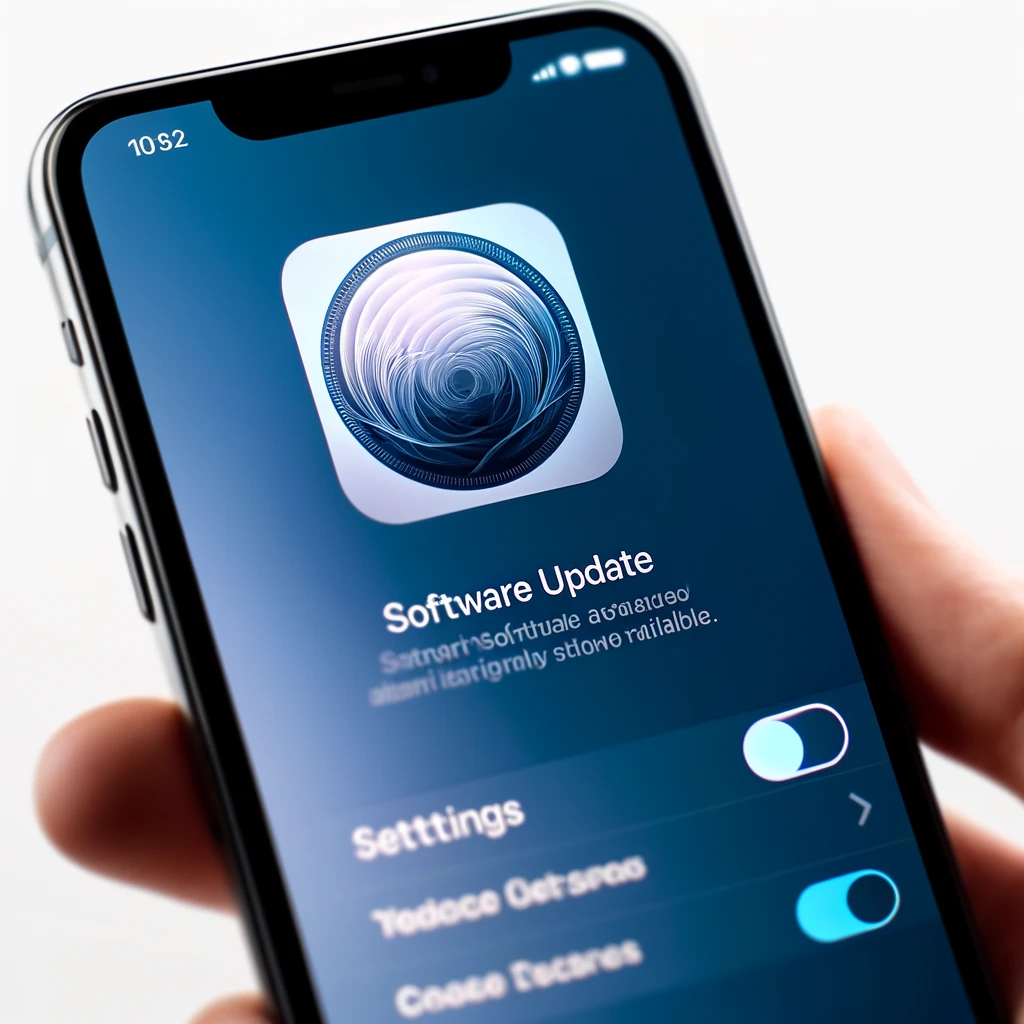
iOSのアップデート確認: 最新のiOSバージョンがインストールされているか確認します。
画像を挿入: iOSのアップデート確認画面のスクリーンショットをここに挿入します。
説明: 「設定」>「一般」>「ソフトウェアアップデート」を選択して、最新のバージョンがインストールされているか確認します。
iPhone側の問題とその解決方法
AirPods Pro 2の音声不安定現象は、ペアリングしているiPhone側に問題があることもあります。以下の方法でiPhoneの問題を解決してみましょう。
Bluetooth設定の確認とリセット
Bluetoothの確認: 設定アプリを開き、「Bluetooth」を選択し、Bluetoothがオンになっているか確認します。
画像を挿入: Bluetooth設定画面のスクリーンショットをここに挿入します。
Bluetoothのリセット: 「設定」>「一般」>「リセット」>「ネットワーク設定をリセット」を選択します。これにより、Bluetooth設定がリセットされ、新たに接続し直すことができます。
画像を挿入: ネットワーク設定のリセット画面のスクリーンショットをここに挿入します。
他のBluetoothデバイスの影響を排除
他のデバイスのBluetoothをオフにする: 近くの他のBluetoothデバイスのBluetoothをオフにして、干渉を防ぎます。
画像を挿入: 近くのBluetoothデバイスの設定画面のスクリーンショットをここに挿入します。
追加のトラブルシューティング
ハードウェアのリセット方法
AirPodsのリセット:
AirPodsをケースに戻し、蓋を閉じてから15秒間待ちます。
ケースから取り出して再接続します。
画像を挿入: AirPodsをリセットする手順を示すスクリーンショットをここに挿入します。
Appleサポートへの問い合わせ方法
問題が解決しない場合、Appleサポートに連絡し、専門家の助けを求めることができます。
画像を挿入: Appleサポートの問い合わせページのスクリーンショットをここに挿入します。
まとめ
この記事では、AirPods Pro 2の音声不安定問題の原因と解決方法を紹介しました。設定確認、再接続、ソフトウェアアップデート、iPhoneの問題解決など、簡単な手順で問題を解決できます。この記事が役に立った場合は、コメントやフィードバックをお寄せください。
タイトルとURLをコピーしました
コメント